Media type
Images and styles
Images are the fastest thing MoneyForge makes, and the starting point for animating, characters and thumbnails.
Make an image
- Open Create, pick an image template or ✦ Start from scratch, and choose Image.
- Choose an aspect ratio and Image quality. 1080p is the default. 4K and 8K (Pro) add an upscaling step that enlarges the finished image to that size.
- Optionally pick a Style preset and characters.
- Write the prompt and click Generate ✦.
If you've added a Gemini key or installed the free local AI model, MoneyForge scores each image and automatically retries low-scoring ones (up to 3 times).
Batch
Use Batch ✦ to make one image per line. Good for a set of thumbnails or a storyboard.
Animate an image
In the Gallery, click Animate on any image. Create opens as a Video with that image as the first frame. Write a motion prompt, such as "slow push-in, hair moving in the wind". Needs the video models (12 GB card).
Styles
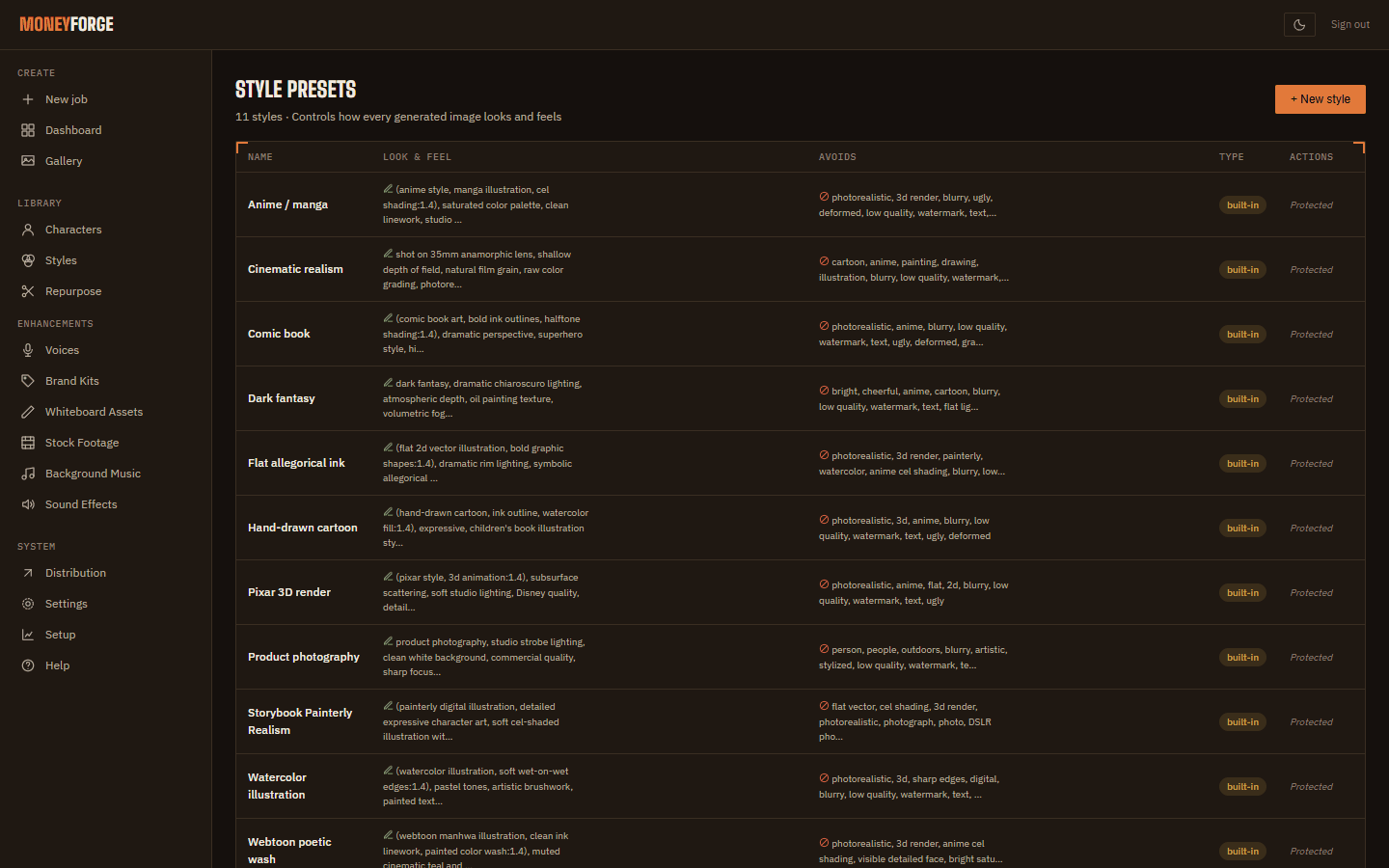
A style is a reusable look added to every prompt. MoneyForge ships with about 11 built-in styles (marked ⚙), including Cinematic realism and Anime / manga.
To make your own, open Styles and click + New style:
- Name.
- Look & feel: words added to every prompt, for example "watercolor, soft pastel palette, paper texture".
- Avoids: things to keep out, for example "photorealistic, harsh shadows".
- Quality: Faster, Balanced or Best.
Remix
In the Gallery, Remix opens Create with all the settings of an earlier result filled in, so you can change one thing and try again.
Home · User Guide · Support · Privacy Policy · Terms of Service